Turn your image into a new style direction
Upload left, style reference right, then pick a style below.
Image Size
Upload Image
JPG / PNG / WEBP, max 8MB
Upload Image
JPG / PNG / WEBP, max 8MB
Style Reference
Vintage Camera
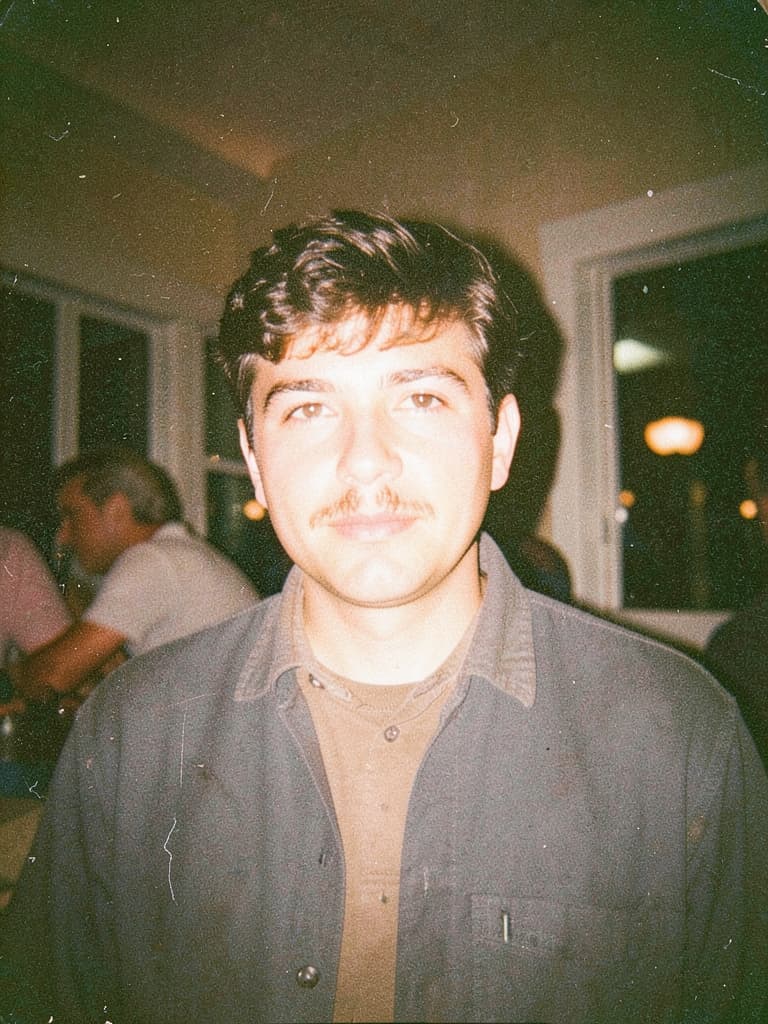
Selected Style: Vintage Camera
Upload your image to apply this selected style direction.
Style Samples
Choose the style look you like.
Generate directly from this page with your uploaded image and chosen style.
Continue with this image and style in the main generator.
Clear before and after examples
Every showcase pair is custom-crafted to keep the main subject obvious, so the transformation reads clearly at a glance.
01 / 06
Background Replacement
Keep the same red scooter, then move it into a totally different environment.
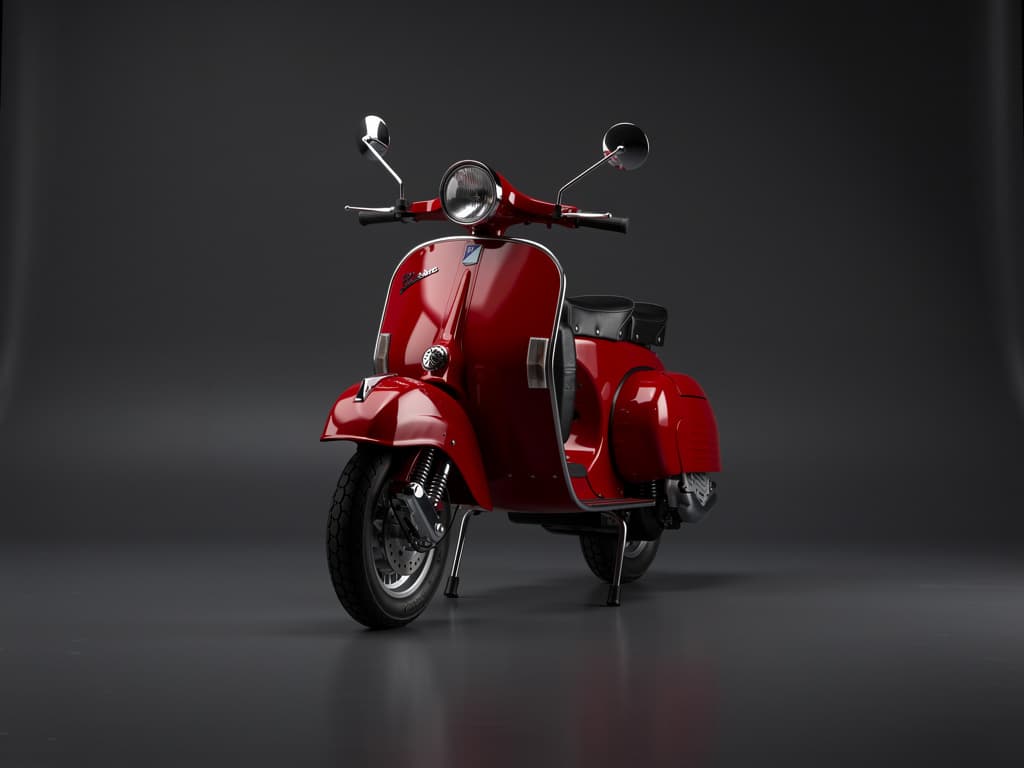
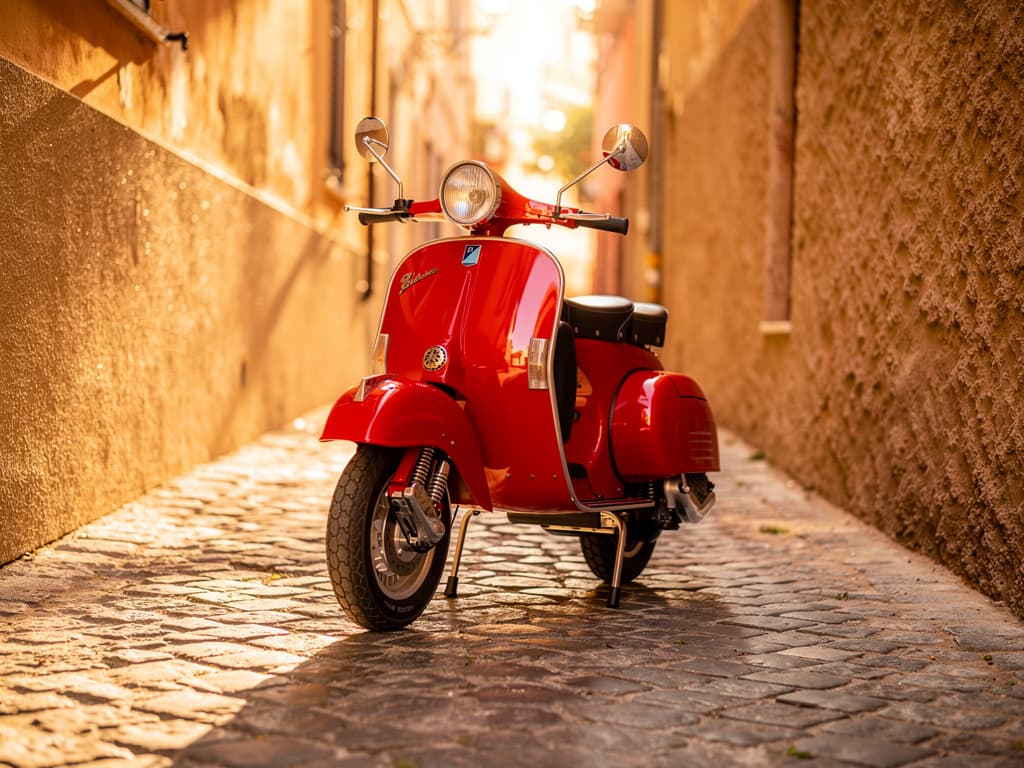
This is a direct background-replacement example. The scooter, angle, and framing stay related, while the world around it clearly shifts from a dark studio into a warm alley scene.
Why Use Image to Image
Turn one uploaded photo into faster, clearer creative directions
Instead of writing everything from scratch, image to image keeps your original subject, composition, and intent in view. That means fewer retries and much more controllable results.
Keep The Main Subject
Preserve the person, object, or framing you already like while changing the style around it.
Explore More Looks Faster
Test lighting, color, mood, or editorial directions without rebuilding the whole image prompt each time.
More Predictable Results
Reference-guided generations stay closer to your original visual goal, so output feels more stable and intentional.
Useful For Real Workflows
Great for portraits, product refreshes, social visuals, concept iterations, and before/after creative reviews.
FAQ
Image to image questions, answered clearly
Everything here is focused on reference-guided edits, style changes, and what to expect before you generate.
It uses your uploaded picture as a visual guide, then applies a new style or creative direction while keeping the original subject and layout more stable.